1. Upload documents
Upload PDFs, schematics, specs, or any reference files that describe your system to the Atlas data catalog. Each upload returns a dataset_name — capture it; you’ll pass it to the metagraph update job in the next step.
The response includes a dataset_name for each uploaded file:
Upload multiple files in one request with -F "files=@a.pdf" -F "files=@b.pdf", or in separate requests — each comes back with its own dataset_name. The endpoint is synchronous: when it returns, the bytes are in the catalog and ready to use in step 2.
Using the Atlas web UI instead of the API? The metagraph update form has a built-in file-upload field — drop your files into it and submit. Atlas handles the upload and the context_files reference in one step.
context_files — it does not scan a system’s prior uploads. Pass the dataset_names from step 1.
Save the uuid from the response:
context_files is the list of dataset_names captured in step 1. If you omit it (or pass an empty list) and don’t supply additional_context, the job completes with no metagraph changes. additional_context is optional — use it to scope or guide the analysis when you have a specific part of the system you want Atlas to model.
3. Start the job run
Save the uuid from the response:
4. Poll for completion
The status field will transition through pending → running → completed (or failed). Poll until you see a terminal state.
Once the job completes, fetch the result:
If you passed an existing system UUID as system_id_or_name in step 2, $SYSTEM_ID is that same value. If you passed a new name to create a system from scratch, read the resulting UUID from the job-run’s preview.metagraph_system_id field:
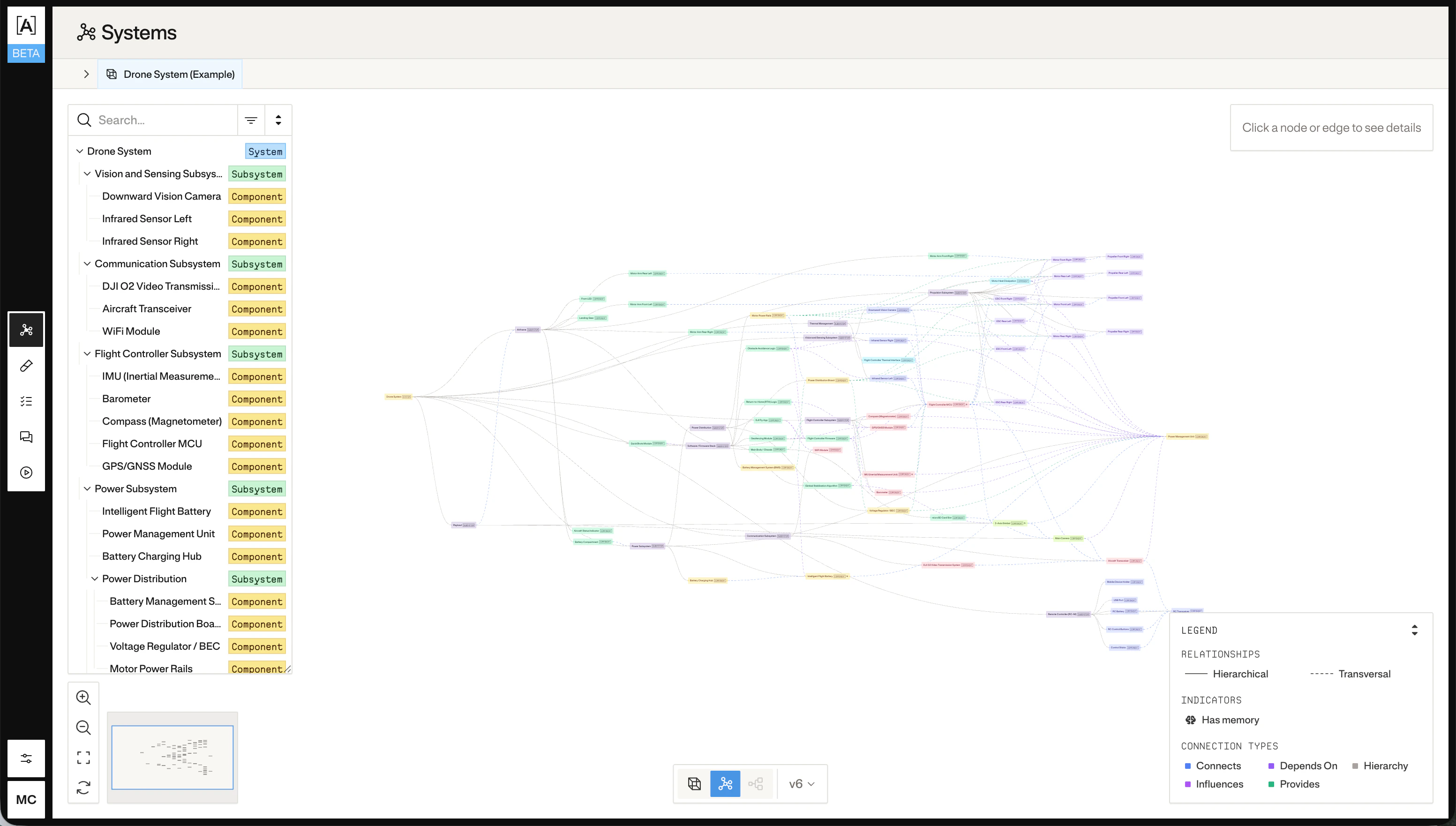
The response is the full nodes-and-edges graph Atlas built from your documents. Pass an optional ?version=<n> query parameter to fetch the metagraph as it existed at a specific applied version.