

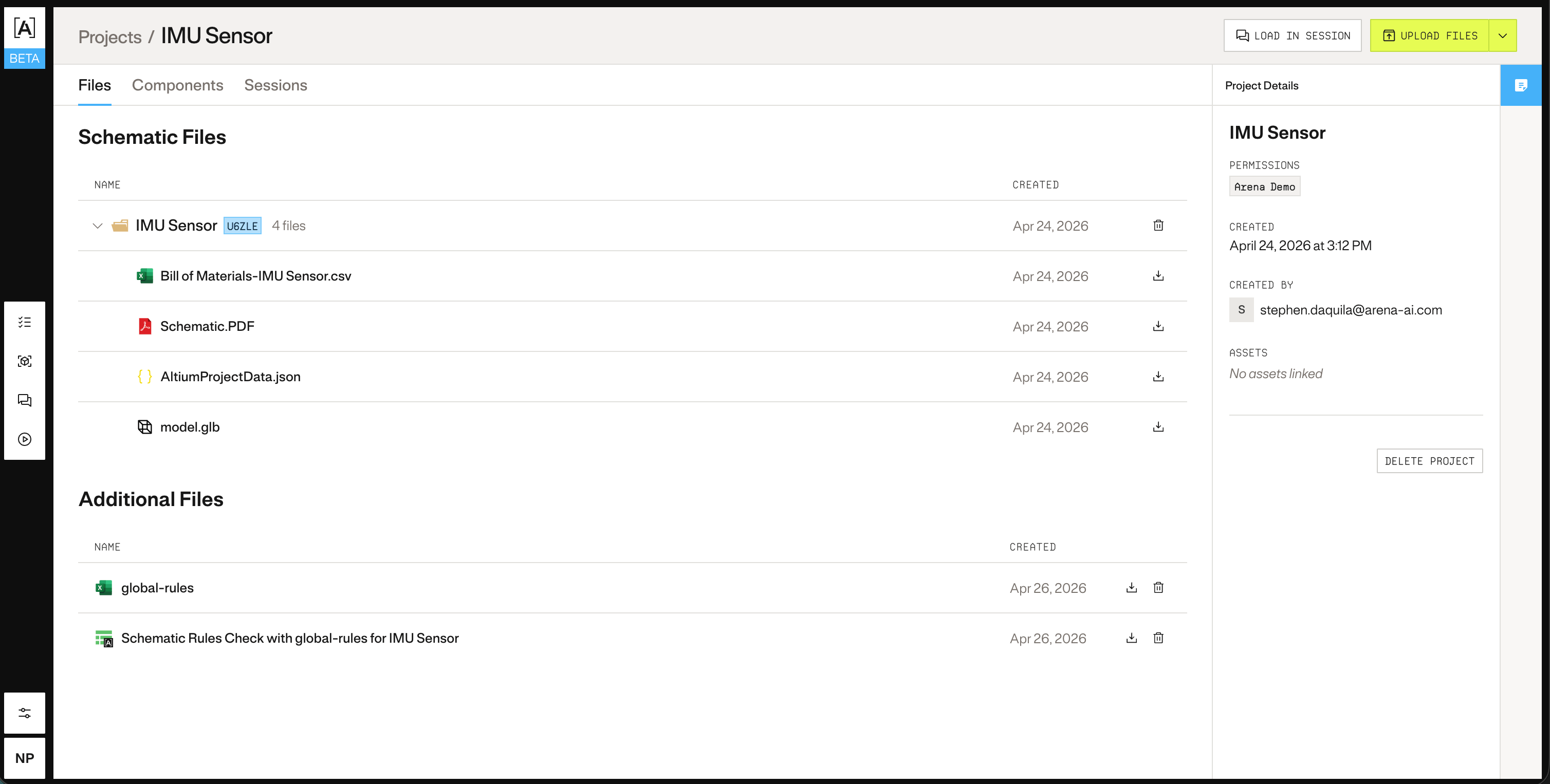
1. Create the project
Start by creating the project shell. This gives you aproject_id you’ll use to attach files in the next step.
project_id from the response:
Add your Project to Atlas to begin analyzing and testing your PCB in Atlas.
project_id you’ll use to attach files in the next step.
project_id from the response: